 how-to
How to Find Accurate Cabin Photos Before You Book
Last Updated: November 2, 2026
Quick Summary
To find accurate cabin photos, check direct booking sites, guest photos, and official galleries, then compare sources and verify each image. Run a reverse image search, check the photo date, compare the view to the map, ask the host for current shots, and read guest photos before you pay.
- A gallery of only wide-angle shots with no close-ups is worth questioning.
- Upload a cabin image to a reverse image search to spot other listings or stock sites.
- Recent images are more reliable than older ones when checking a listing.
- Match the window and balcony view to the cabin's location on a map.
- If the same image shows up on three listings, walk away.
Table of Contents
- Where to Find Accurate Cabin Photos
- How to Verify Cabin Rental Photos
- Your Cabin Rental Photo Checklist
- Frequently Asked Questions
Where to Find Accurate Cabin Photos
Learning how to find accurate cabin photos starts with knowing where to look. Guests sometimes book from blurry listing photos and arrive to find a cabin that looks different from the pictures.
Cabin photos are images that show a rental's interior, exterior, and view, and accurate cabin photos are current, unedited shots that match what you see on arrival.
Start with these sources:
- Direct booking sites. A host's own site usually shows full photo galleries and room layouts.
- Guest photos. Real travelers post shots of the actual cabin view and interior.
- Official photo galleries. Look for dated images and full sets, not a few glossy highlights.
Then compare sources. A gallery made up only of wide-angle shots with no close-ups is worth questioning.
How to Verify Cabin Rental Photos
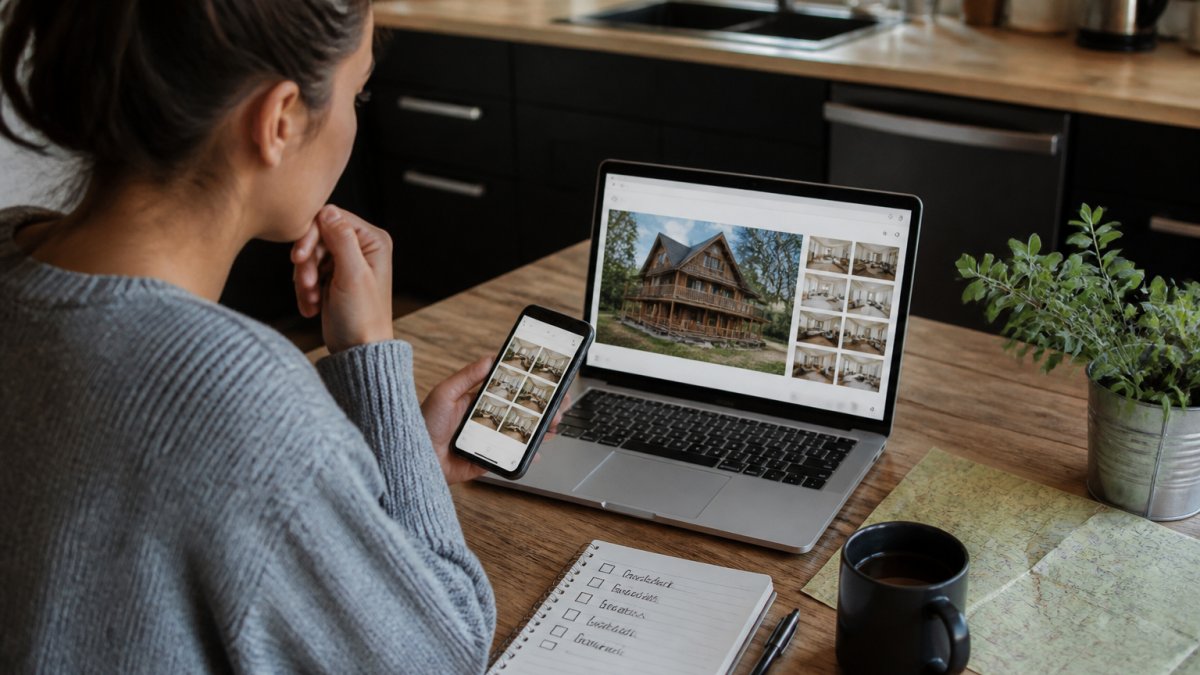
A quick check beats a bad surprise. Verify cabin rental photos before you pay:
- Run a reverse image search. Upload a cabin image to see if it appears on other listings or stock photo sites.
- Check the photo date. Recent images are more reliable.
- Compare the view. Match the window and balcony view to the cabin's location on a map.
- Ask the host. Send a short message: "Can you share current photos of the deck and hot tub?"
- Read guest photos. Real shots from past guests reveal the truth.
You can
Watch out: some listings reuse photos from other cabins. If the same image shows up on three listings, walk away.
Here are the checks to run before you pay for a cabin rental.
| Check | What to do |
|---|---|
| Reverse image search | Upload a cabin image to spot other listings or stock sites |
| Photo date | Recent images are more reliable |
| View comparison | Match window and balcony view to the map location |
| Ask the host | Request current photos of the deck and hot tub |
| Guest photos | Real shots from past guests reveal the truth |
Your Cabin Rental Photo Checklist
Use this checklist before you book:
- Full photo gallery, not just a few shots
- Close-ups of the hot tub, fireplace, and kitchen
- Current photo date
- Guest photos that match the official ones
- View photos that fit the map location
- No stock or reused images
Once your photos check out, check availability and book your cabin with confidence.
Frequently Asked Questions
How can I tell if cabin rental photos are accurate?
Compare the official gallery with recent guest photos and look for matching details: furniture, window views, and outdoor features. Check photo dates where the listing shows them, and run a reverse image search to see if the same cabin photos appear on unrelated sites. Ask the host to confirm the photos are current, especially for hot tubs, fire pits, and decks that get replaced or refinished over time.
What should I ask a cabin host if the photos seem outdated?
Ask directly when the photos were taken and whether any furniture, appliances, or outdoor amenities have changed since. Request a current photo of the specific feature that matters to you, such as the balcony view or pet-friendly yard. A host who answers quickly and specifically is a good sign; vague replies are a reason to keep looking.
Can I use Google Maps or Street View to check a cabin's location?
Yes, but with limits. Map views help you confirm distance to the lake, trails, and town, and satellite images show how wooded or private the lot is. Street View is often outdated on rural roads, so treat it as a general reference rather than proof of what the cabin looks like today. Pair it with the listing photos and a quick question to the host about the current view.
Booking a cabin should feel exciting, not risky. At Hochatown Cabins, we show real, current photos of every cabin, with private hot tubs, fire pits, and views just minutes from Broken Bow Lake. Get started with Hochatown Cabins and book a stay that looks exactly like the pictures.